Chat platform
API and customizable widget
for your React App
Add chat functionality to your website in few lines of code
Features
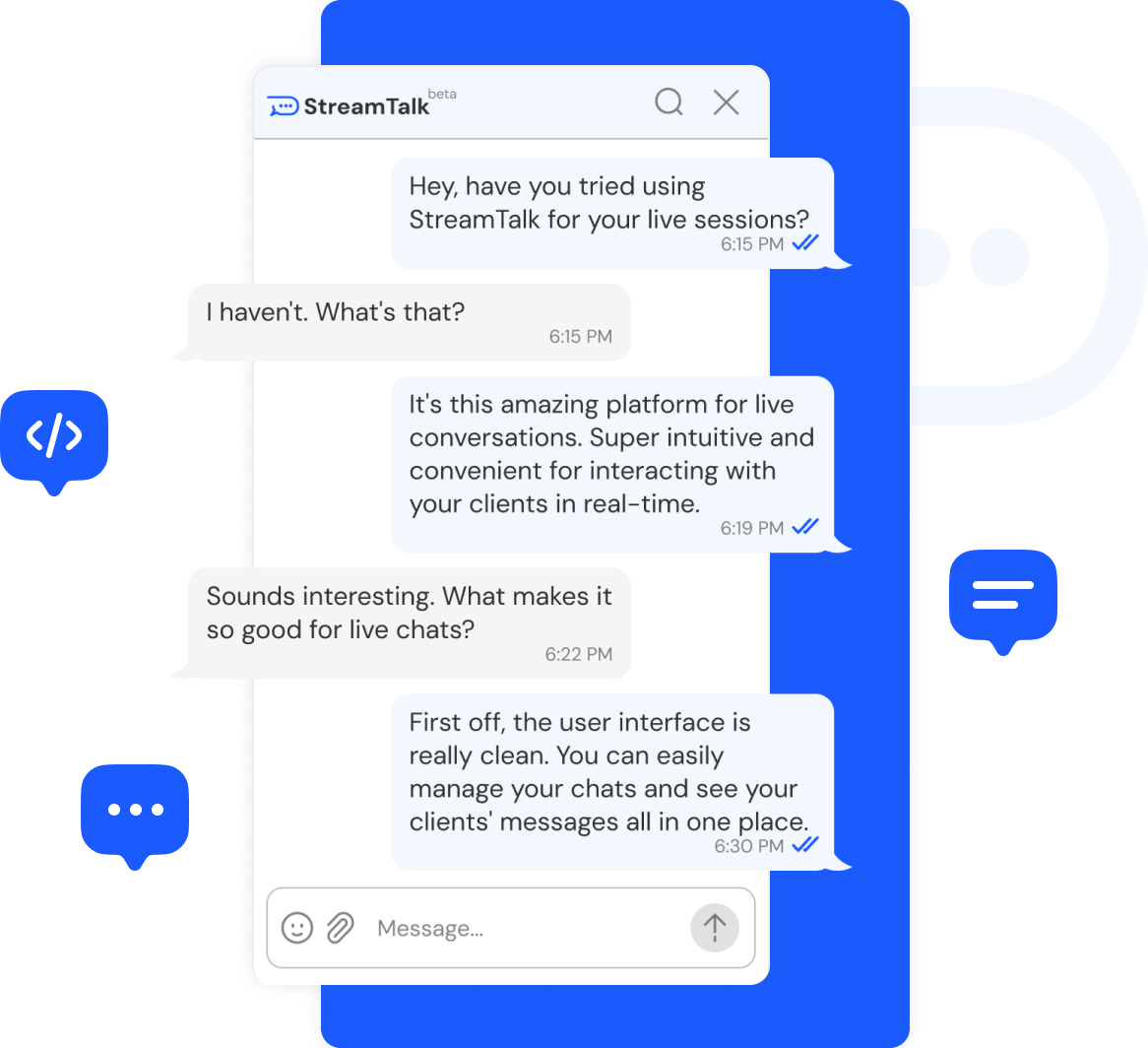
Easy integration
You can embed streamtalk into your website in 5 minutes and get a working chat
Real-time
We use websockets for messaging and that’s why everything works so fast
Customizable design
You can make the chat window look the way you want using the usual css styles
Rich content
Users can use emoticons in the chat, as well as send pictures and files
Text search
Search by chat messages out of the box
Message tags
You can tag messages you send and search chat messages by tags
Integration steps
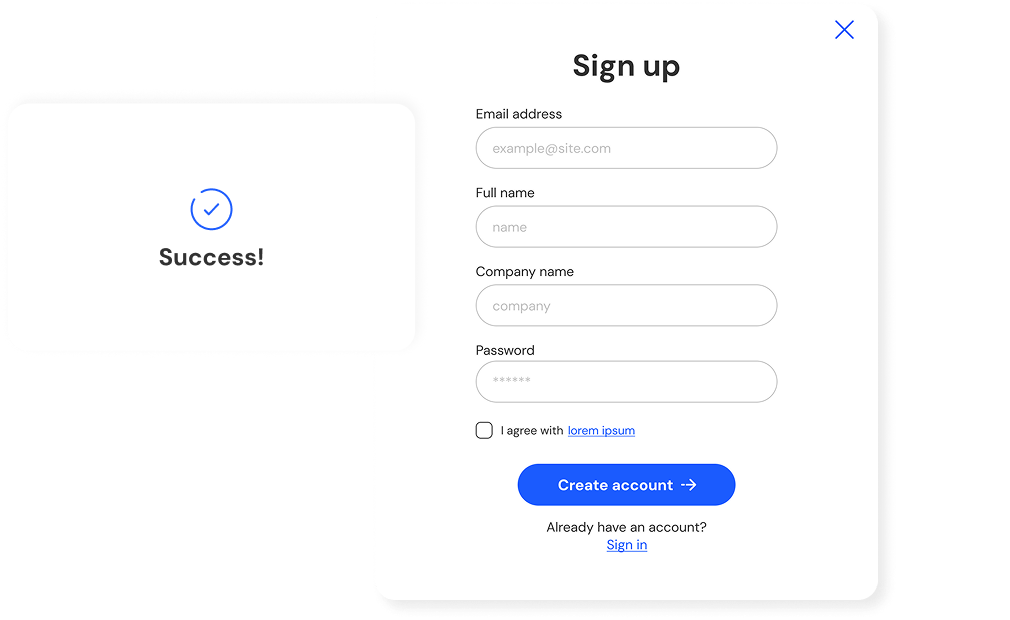
1Create
an account
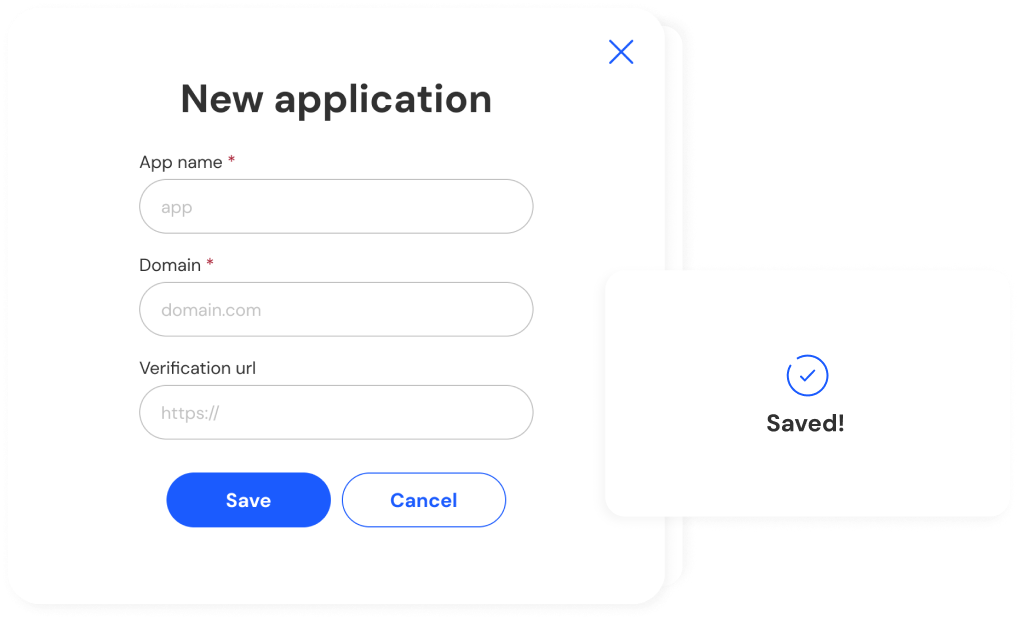
2Add new
application
3Add library to your
React App
bash
npm install @streamtalk/react4Add the Chat
component
typescript
import { StreamtalkInitializer } from '@streamtalk/react';

async function initializeChat(payload: YourPayloadType) {
  const streamtalkInitializer = new StreamtalkInitializer();

  try {
    await streamtalkInitializer.initialize({
      url: "https://myhost/api/chat/auth",
      body: payload,
    });
    // handle success initialization
  } catch (error) {
    // handle error
  }
}5Display the chat
tsx
import StreamtalkChat from "@streamtalk/react";
import { mimeTypes } from "./allowed-mimes.ts";

import "@streamtalk/react/lib/index.css";

export const MyChat = ({ chatId }: { chatId: string }) => {
  return (
    <StreamtalkChat
      onInit={(chat) => {
        console.info("chat", chat);
      }}
      chat={{
        id: chatId,
      }}
      mimeTypes={mimeTypes}
      newMessageConfig={{
        attach: {
          filesMaxCount: 5,
          fileMaxSize: 12,
        },
      }}
    />
  );
};